Editing images can be absorbing process. With so many options and tools available, one can keep going on and on with image editing process.
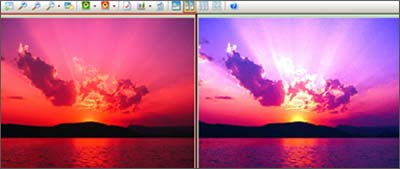
During image editing comparing the current image with original image is very important. This is needed to check improvement or changes you have done to the original image. Following are 2 ways to compare images during editing process in 2 different applications.
In Faststone Image Viewer , check in the menu for a command called ‘compare’. Using this, you can compare images side-by-side (up to 4 at a time) to easily cull those forgettable shots. Faststone image viewer is free to download and use.
In ACDsee Image Viewer (version 8), select multiple images, right click, goto ‘tools’, click on ‘compare images’ option. ACDsee is an advanced image viewer and you can test drive it with 30 day trial download.
Which application or means do you use to compare images while editing them? Share with us by adding a comment!
