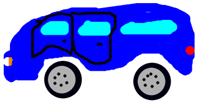
 If you love to scribble and draw some weird shapes in MS Paint, then you will love Offtype creator. It is a fast, fun, free and easy way to create your own images online.
It allows you to draw, sketch, create graffiti, pixel art, drawing, paint ecard, handwrite message or note. Neat? Interface of this online tool is flash based. The final image is also saved in flash format for that neat look.
Resultant image is saved on offtype web server and you can use linking code to share your creations on any social networking website or your blog. Interface is very simple and easy to use. Just select the color and brush size to start drawing. It also has options to undo or redo drawing actions.
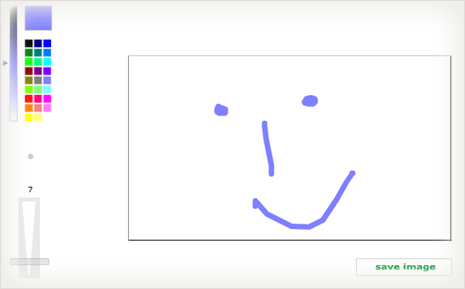
Cons? It is way too simple with not many advance functions. Surprisingly there are no different brush shapes to play with. In case you want to save your creation on your computer there is a work around. Open webpage with your creation press ‘Print Scrn’ button, then open MS Paint and press Ctrl + V to paste image.
Offtype: Website – Gallery – Download desktop VersionÂ
Best part, with flash interface and format creations look very neat. Website also has gallery of previous creations to get some inspiration and play around sketching your ideas.
