 Silverlight is new technology by Microsoft for rich content display on the web. It is a main competitor of Adobe Flash player. Many a times you would have seen prompt to install Adobe Flash player to watch online Videos.
Well in coming days you may see prompt to install Microsoft Silverlight to watch online video content. NBC Sports and Microsoft are working together to build NBCOlympics.com with the help of Microsoft Silverlight platform to deliver deeply immersive user experience.
This mean you will have to install Microsoft Silverlight to watch that extended live coverage of 2008 Beijing Olympics. Microsoft Silverlight aims to light up the web with this new technology. Besides, Olympics coverage on Silverlight platform will make sure it is installed on thousands of computers worldwide. Here are some features of Silverlight:
- Appl plug-in is under 2MB in size & works with leading browsers.
- Enhances existing standards/AJAX-based applications.
- Delivers media experiences & rich interactive applications for Web.
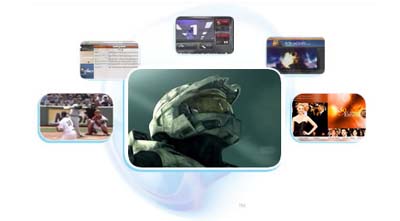
Microsoft Silverlight: Download – Silverlight Features
Even Microsoft Website’ Download section is based on Silverlight Platform. This will surely be a must have add-on in days to come. In case you want to install Silverlight later, you can surely download Silverlight Wallpaper. They have made one very good logo and of course wallpaper!
