Making a glassy and jazzy looking web 2.0 style logo requires a lot of time and expertise working in PhotoShop or any other Image procession application. Check the web 2.0 logo styles below – you can make such logos in just 3 simple clicks under a minute of your time.

Procedure is real easy, after you open the online Logo Generador – enter the text for the logo, select the style for the final logo and click on ‘genrar’ button. You will get output logo as soon as you click the ‘genrar’ button. You can copy the logo and use it the way you want.
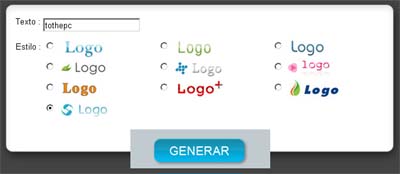
Logogenerador: Click here to make your web 2.0 Logo
In case you want to try PhotoShop for making a web 2.0 logo, then check out step by step tutorial for making 3D web 2.0 logo.
You can also check some fun generators to make Street signs, TombStone signs and Warning signs. via
