WinGuggle is a small utility that can help you view or recover product key of installed Windows Vista on your computer. Generally one can find product key on the cover of the operating system CD. This tool can be of great help in case you lose that CD cover.
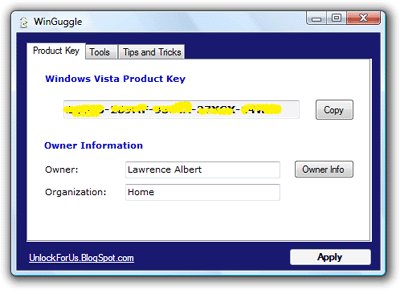
It will show the product key and owner information of Windows Vista installed on your computer. This utility does not require any installation.
Simply download the file and unzip it. You can launch the application from the unzipped folder. This handy utility can:
- Help you view Windows Vista Product Key (CD Key).
- Change OEM Logo and Information.
- Change Performance Information and Tools.
WinGuggle: Website – Download Utility
Besides viewing Windows Vista Product key, you also configure OEM logo and performance information. Very handy and useful. via mydigitallife
