You can switch Firefox browser to full screen mode by pressing F11 key. In full screen mode, every menu bar is hidden. Only top menu pops up if you move mouse near top of Firefox window. Now you can display Status Bar while using Firefox in full screen mode with “Full Screen Status Bar” Firefox addon.
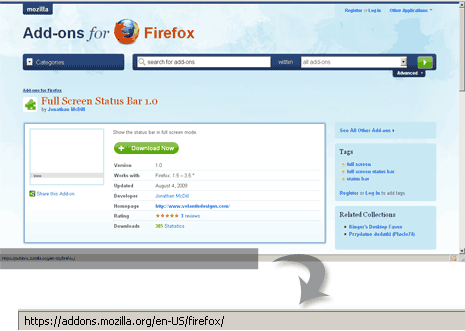
Download Full Screen Status Bar addon and install it for your Firefox browser. Then press F11 key while browsing any webpage to see status bar (as seen in normal Firefox window) in Full screen mode. Very useful for users who browse in Full screen mode and grossly miss status bar in Firefox.
