Cfont Pro is handy and free application to view system and printer fonts installed on the computer. It makes process of viewing installed fonts very easy in a single view with printing capabilities. It also supports slideshow mode where the application will cycle through each font at an interval.
You can also preview fonts before installing them for further use. It has Zoomer tool that allows you see the details of any font and any character. With Property Toolbar you can change some properties instead using the Property Window.
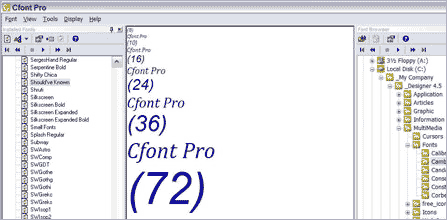
It supports TrueType, OpenType, Bitmap, and Postscript Type 1 fonts. Font browser window has neat interface with ability to preview fonts easily. It also has Glyph viewer that allows you see how a font character is constructed. Download Cfont Pro to preview fonts the easy way. Works fine on Windows Me, Xp and Vista. [ 15 Cool Places to download Free Fonts ]
