Images can enhance the overall appeal of your blog posts. After writing a great post – do you involve in rigorous search for a related image? Then, download that image, upload it on your wordpress blog, add credits for image source and much more.

Too much of effort? You can do all the above steps in more quickly using WordPress Plugin Photo Dropper. It lets you add free photos at Flickr to your WordPress posts.
It uses Flickr to search for Creative Commons licensed photos and add them easily to your posts complete with attribution links. Once you upload and activate the plugin, you will see ‘Photo Dropper browse photo’ panel below your ‘Write Post’ Panel.
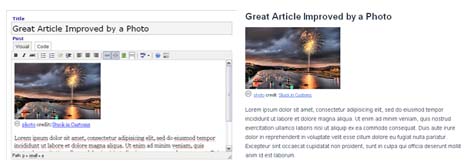
Enter the keyword for required type of photo and select the photo size among – S for small, M for Medium, and L for Large. This will add Flickr photos will complete attribution link to the original source at Flickr.
Details: Photo Dropper – Working Screenshots
Caution –Even though this plugin provide option to only show photos marked for non-commercial use, it is advisable to check the photo’s public status manually to avoid any future copyright claims.
