Ever wanted to put huge poster of your loved ones on a big wall at your place? Well, this not difficult if you are ready to spend some bucks. But hey, you can now make mega posters from small images for FREE.

At best you will need a printer to print. This is possible using ASCII Poster maker. This will convert your image/photo into ASCII (only consists of letters and numbers). Then decide how big the poster should be and finally print it.
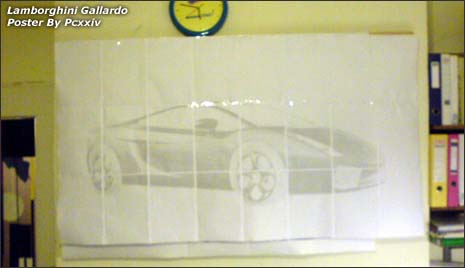
Each poster is made up of thousands of printed letters and numbers. When viewed from a distance these characters on your poster give the illusion of a normal picture. Here is the simple procedure:
- Upload the image using Online Poster Maker.
- Select the size of Poster in terms of A4 papers.
- Click on Make poster to get result in PDF format ready for print.
ASCII Poster Maker: Website – Create – Gallery
While selecting the size, you will get the count of A4 sheets required for the poster. After you take the printout stick sheets next to each other and fill the wall with ASCII portrait of your favorite image. This is easy, effective and cost almost nothing, what say?
