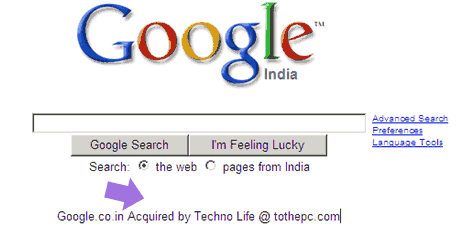
“Google acquired by Techno Life @ tothepc.com”, above is NOT result of photoshop editing. It is a work and magic of a javascript.
You can edit any website within web browser without any external software. Here goes simple steps to edit any website within IE or FireFox.
- Open any website say www.google.com in web browser.
- After website loads completely, delete the URL from address bar.
- Then paste the following javascript code in address bar.
Click here to grab the code [Thanks Karthikeyan]. After you paste the code in the address bar, hit the enter key and start editing the webpage. Cool, isn’t it?
