With completion of Orkut’s new look, here comes good news for Indians on Orkut. Realising that Indians form major chuck of users on Orkut, regional language support has been added this ever so popular social networking service to get more people on board.
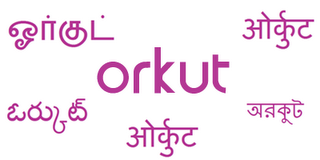
Now you can access orkut in 5 regional languages: Hindi, Bengali, Marathi, Tamil, and Telugu. As Offical Orkut blogs reports…  It’s our goal to make orkut the ultimate tool for self-expression and communication. So we worked closely with Googlers in our Indian offices to help develop the initial release of these languages.
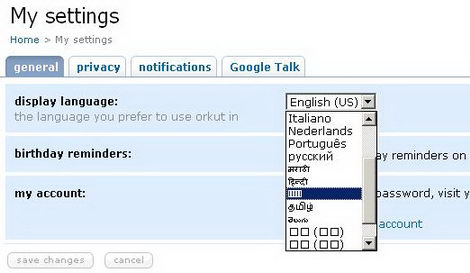
You can easily view Orkut in Hindi, Bengali, Marathi, Tamil or Telugu by changing one setting in your Orkut profile. Here is the procedure.
1. Login in your Orkut profile.
2. Click the settings button under your profile photo (could be last option there).
3. Under the ‘General tab’, choose language from the drop-down menu next to ‘display language’
4. Then click on save changes.
There is more, try and test Orkut in regional laguage you like and if you are not satisfied: share your opinion at Indian Language Translations community.
