Google Docs has added support for Microsoft Office Excel 2007 files (XLSX). Now you can import supporting cell data, formatting, formulas, font style, background color, named ranges, frozen panes, and horizontal merges from Excel 2007 files.
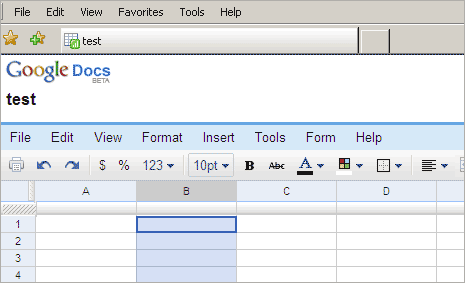
To upload MS Excel file, follow the usual process. Click on upload button at the top of the sidebar in your Docs list page. Click browse button, select the document, click upload button and you will see that file in your docs list. MS Excel support will make Google Docs more attractive option to open and manage files online.
