Ever wanted to know file size of a file you are going to download? Get File Size allows you to find out the size of a file before downloading it.
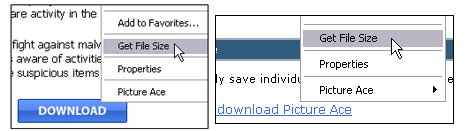
It is add-on for Internet Explorer (& Opera). After installation, just right click on the link of the file, select ‘Get File Size’ and the program will immediately show you the size of the file.
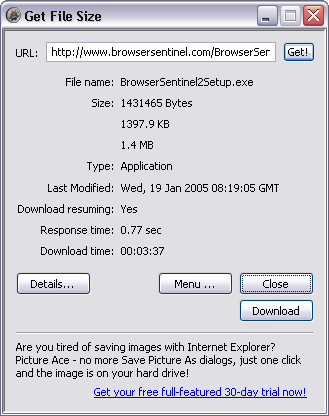
It can also show the date when the file was last modified, file type, server response time and estimated download time. It can also retrieve dimensions of JPG, GIF, PNG and BMP images without downloading the image.
Download and install Get File Size to know about files you are going to download in Internet Explorer & Opera.
