Computer slows down after usage for sometime. This is a very common issue and more often it is the Windows startup that is causing the issue and delay. Interesting part is, one can speed up Window’s startup by actually delaying it. Usually, when Windows loads, it attempts to load all the programs at the same time. This causes mad rush of each program trying to get CPU time for processing. Due to this chaos, overall startup time increases.
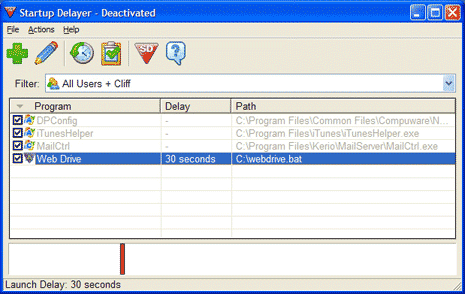
However, if we prioritize which application should load when during Windows Startup, overall Startup will take less time. This can be easily done using Startup Delayer. You need to set time delay for each application. During this period each application will have dedicated CPU time and result in faster processing.
Startup Delayer: Read More & Download
Startup Delayer is compatible Windows 98, ME, 2000, XP and Vista.
