Yahoo Messenger for Vista is packed with few cool features that really makes it worth try and use (of course). We have already seen cool matrix mode chat feature in Yahoo Messenger for Vista. Here is another cool feature of zoom.
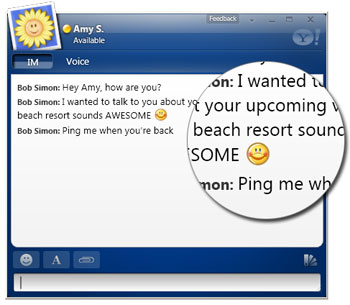
Above picture should explain, what we can zoom using this feature. You can zoom any part of chat window (including emoticons) using this zoom feature.
To use this feature, press down ctrl key and move scroll mouse wheel to zoom and un-zoom. As pointed by Yahoo Messenger Blog you can also use zoom feature to increase or reduce the size of your contacts in your list.
One another way to play with Yahoo Messenger for Vista and have more fun with friends while chatting. Check out this video for Zoom in action!
