Personas gallery is now live fully loaded with lot of Firefox skins. It has share of its beautiful to ugly looking skins. Collection has skins of different categories including: abstract, fashion, music, nature, seasonal, sports and much more. With personas you can change Firefox look in less than 60 secs.
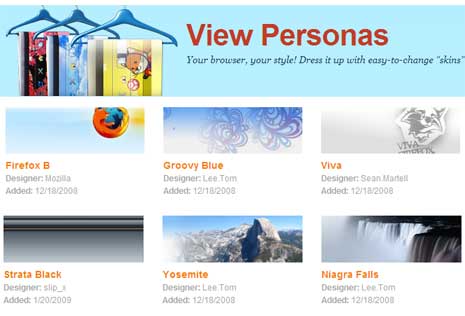
Go to Personas website, click the install button and restart Firefox browser. Once installed, you can choose and change your selected Persona by clicking on the little fox mask in the lower left-hand corner of your browser window. From here on, you can browse and click any Persona or skin listed in gallery and change look of Firefox immediatly. Checkout the pitch video:
Getting Started with Personas from Mozilla Labs on Vimeo.
Now you add personal touch to Firefox with looks matching your personality and taste. Best part, you can even create your own Personas designs and make it available for other Firefox users. Make your Firefox colorful, jazzy, beautiful (& ugly) with Personas.
