Do you want to generate XML file from contents of a MS Excel file? toXML is a small utility that can do such conversion quickly. It converts specified MS Excel file into XML format. All the contents are properly formatted and preserved in the final XML file generated by this utility program.
Generate XML from Excel file
1. Download toXML utility program.
2. Install the program and launch it.
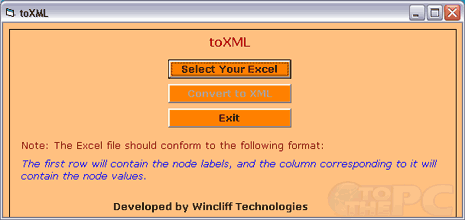
3. Click “Select your Excel” button to select Excel file.
4. Then click “Convert to XML” button for quick conversion.
P.S. Selected Excel file should conform to specific format where first row will contain the node labels and the column corresponding to it will contain the node values.
