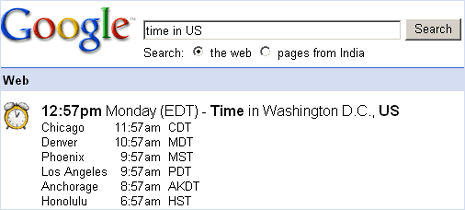
Most of the time we use Google Search to dig out stuff we desperately need. For checking accurate time, we use our clock, watch or computer timer to stay updated. If you have access to Google.com then you can safely dump all your clocks and watches
Open Google and type “Time in US” and hit the enter key. Google search will show current time in different time zones in US. Simple and easy, isn’t it?
To my surprise, besides country names – this feature works with number of state/region names. It even worked with ‘Punjab’, here is the screenshot.
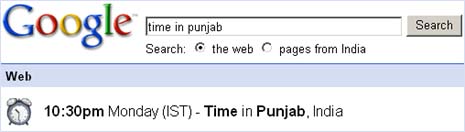
Google, the timekeeper of the world. Anyway, don’t throw away your watchs and clocks [was just getting excited]. There are times when you don’t have access to your computer (and google). This feature is also present on other search engines like Yahoo, Ask etc.
More Google Tips: Search PDF Files – Search Closeup or faces pics
