Do you have an excel file with loads of data that should be converted into simple HTML table form? Now, are you lost and tired of pasting data in different applications to to generate clean HTML tables from excel file data?
Tableizer is answer to above questions and make this process real easy. No need to download anything or install any software. Just open Tableizer website and paste cells from any Excel, Calc or other spreadsheet.
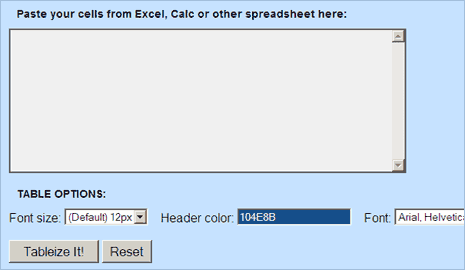
Then configure table options as per requirement, this includes: font size, font type and selection of header color. When all done, hit the tableize it button to get output in the form you have been looking for. Checkout tableizer, its simple, easy and very useful!
