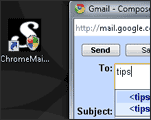
 By default, a click on ‘mail:to’ link in Google Chrome opens default email client like Outlook. In case you love using Chrome and Gmail – then ChromeMailer is for you.
After installing this utility, instead of default mail window you will see Gmail compose window by default. Clicking ‘mail:to’ link will open Gmail interface for quick sending of email via Gmail.
While this is very useful, as pointed by Lifehacker – it has few shortcomings. First, it requires an up-to-date .NET installation in Windows XP. Second, you need to deal with constant UAC nag screens in Windows Vista.
If you still want to test drive this utility on your Google chrome browser, click hereto download ChromeMailer.
