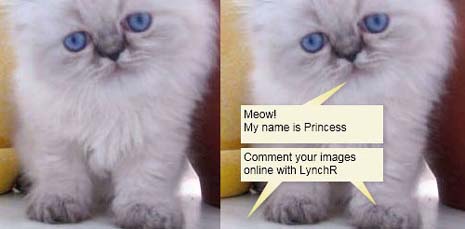
Kitty can speak now, her name is ‘princess’. Even you can make your images speak the way you want in less than a minute. With Lynchr you can add cool comments on your images without downloading or installing anything.
It a free web app which is very basic and easy to use. After uploading an images, you will get an editable comment box. Position that comment box on the uploaded image and double click on that box to add your witty comment.
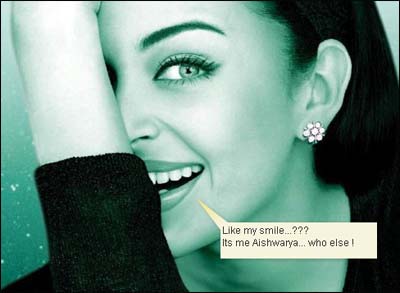
Click on done button and you will links to download or embedyour lynch[ed] up image. Lynchr also hosts your creation for lifetime. Here is what I createdwith Aishwarya Rai photo, it took exactly 35 seconds!
Lynchr – Click here to add comments on your Images with Lynchr
Ready to express more with your Images? Check out some more cool and easy to use Image tools to play with your images.
