So you have Mcafee Security installed on the computer and trying to remove it in order to jump over to other security application like Norton. No need to endlessly try to remove these security application, which for some reason fail to get off from computer.
Popular security applications from Norton and Mcafee have special remover applications to clean your system from respective software. Well, before you look for them – try AppRemover. It enables you to remove and uninstall any security application like antivirus and antispyware.
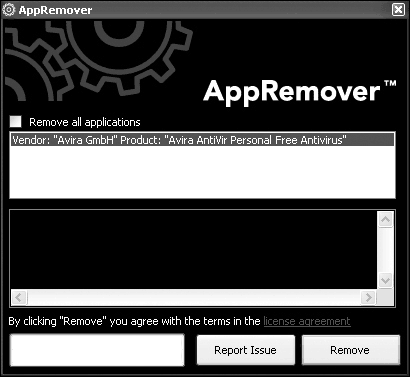
Download and run this application, it will bring up AppRemover window with listing of currently installed security software. Select ‘remove all applications’ and hit the remove button to make your computer free from security applications.
This is an ideal application, when you want to switch from one security application to another (like going from Mcafee to Norton, AVG etc). Download AppRemover, it is all free for download and use on your personal computer with Windows XP, Vista. Neat and very useful – does the required cleaning!
