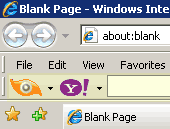
 Are you trying to figure out quick and easy way to remove toolbar clutter in web browser? One time consuming way is to manually remove each and every installed toolbar. Smart Toolbar Remover program makes this process all easy and quick. Just run the program to see and remove installed toolbars on the computer
Use Smart Toolbar Remover tool
1. Download Smart Toolbar Remover program.
2. Install the program and launch it.
3. Program window will show toolbars installed on the computer.
4. Select toolbars you want to remove & click uninstall button.
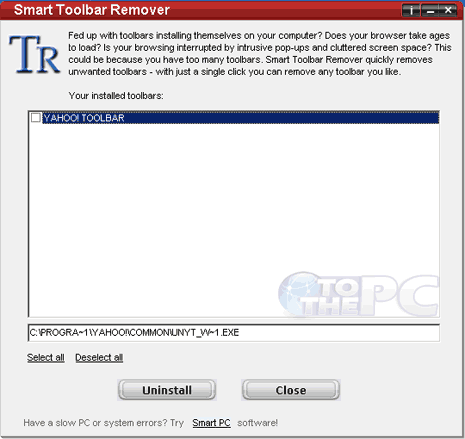
Program window also show exact URL of toolbar install on the computer. Close and restart program to refresh list of installed toolbars. One handy program to remove toolbar clutter the easy way. It is all free for use on Windows 7, Vista and XP computers.
