Now you can customize Windows Live Hotmail “Personal Email Signature” with cool seasonal images. Let your email signature flaunt the colors and look of current season. Spring, summer, winter, snow – show it all in email signature at Windows Live Hotmail. Follow these steps to get going with custom seasonal image as email signature:
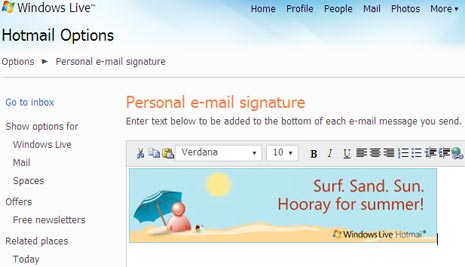
1. Login into your Windows Live Hotmail account.
2. Click Options at top right and click then click more options.
3. Under Customize Your Mail section, click on “Personal E-mail Signature”.
4. Right click on either of following image and click copy.
5. Goto Email editor, right click and then click Paste(or Ctrl + V).
6. Click Save & new signature image will appear in your emails.
Following are seasonal images which you can copy and use for flaunting seasonal looks and view. [source]


Spice up your email signature at Windows Live Hotmail with above images real quick!
