Do you love simple yet colorful wallpaper on the desktop? If yes, then give a spin to Wallpaper Generator program. It allows you to create Gradient wallpapers of different color combination. You can play around and be creative by choosing a different color for each corner of the wallpaper.
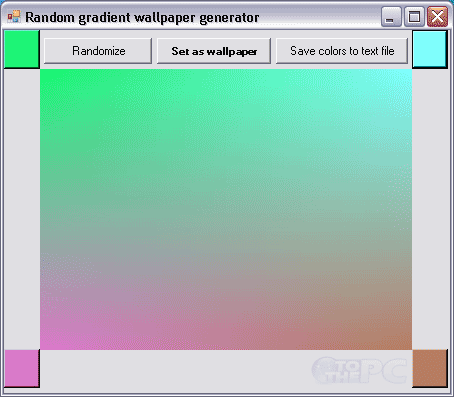
Generate Gradient Wallpaper & set on desktop
1. Download Wallpaper Generator & unzip the file.
2. Click Wallpaper Generator icon to launch it, no install required.
3. Select color for every corner of the wallpaper creation.
4. Once done, click Set as wallpaper button to see creation on desktop.
Also See – Generate Gradient images of different colors
You can use Randomize button to see different color combinations. It also allows you to save color codes for any gradient creation, just click “Save colors to text file” button and see color codes in a notepad file saved in the program folder. Gradient Wallpaper is portable, quick and very easy to use program for colorful output!
