Get Twitter buzz on your blog or website by embedding neat Twitter users mosaic grid. Twitr Grid makes this possible in few simple clicks. Just enter your Twitter username, select to display either followers or following, then select the size of Twitter avatar images among small (100px), medium(160px), large (240px).
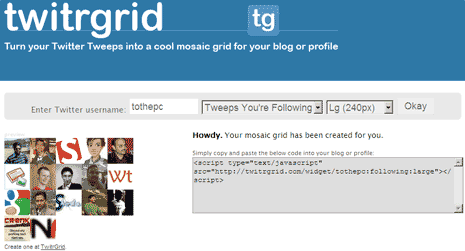
Click the Okay button to see your Twitter user mosaic grid preview. Copy the embed code and paste on your blog sidebar to flaunt Twitter users associated with your Twitter account. Currently, it displays either following or followers Twitter users – cannot show both of them on mosaic grid (asking for too much?). Make your Twitter user mosaic grid real quick with Twitr Grid and spice up your blog sidebar.
