Taskbar contents on Windows are very strict with limited movement. Using Taskbar Ext utility, you can arrange and manage taskbar with simple drag drop routine. You can easily drag buttons to arrange them at specific required position. To get started: download, unzip and double click to launch this utility. It will sit on the system tray and you can access options by right clicking the icon.
Features of Taskbar Ext utility
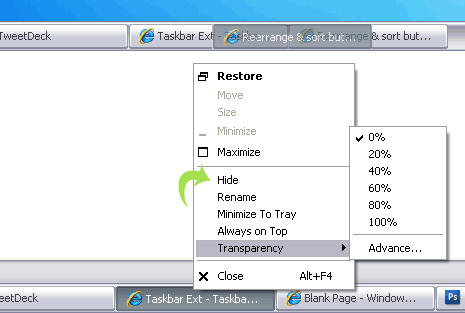
1. Drag drop buttons & arrange them as per requirement.
2. Make taskbar transparent by selecting percentage of transparency.
3. Hide any taskbar button, right click button & click hide option.
4. Make groups, hold Ctrl key & then right click button to use merge option.
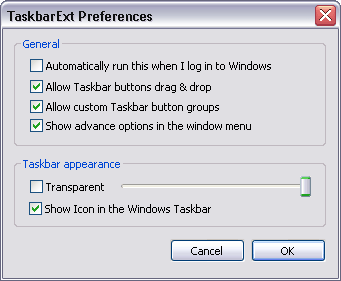
Add flexibility to taskbar and manage buttons with ease using taskbar Ext utility [works fine on XP]. Alternatively, you can also try Task Arrange utility with similar functionality.
