Google Chrome (beta) can be customized with extended functionality using various Chrome extensions (plugins / addons). We have seen number of standalone Gmail email notifiers. If you browse web using Google Chrome browser, then get integrated Gmail notifier checker for quick and easy unread email check.
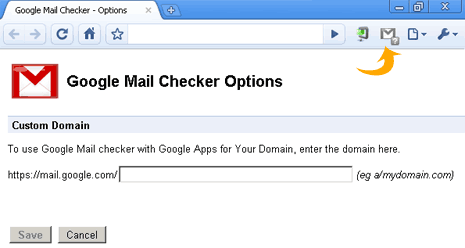
Small icon on the right side of URL address bar show number of unread messages. You can click on icon to directly open the Gmail inbox. Google Apps users can also use this extension by changing configuration from (Go to wrench > extensions > Google Mail Checker > Options. Enter your Google Apps domain name and press save). Grab Gmail Mail Checker extension
