Do you want to add cool looking frames to your digital photos online without having to download or install any software? Online tool “Framer” at ‘clipyourphotos’ makes this all easy routine involving few simple clicks. You can add frame from variety of frame styles to any uploaded photo and then save cool framed photo on the computer.
Add frame to uploaded image online
1. Open Framer online tool on the computer.
2. Click “Browse” button, select any image on the PC.
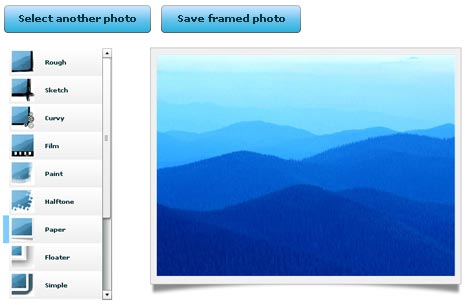
3. Then click to select any frame design from left and preview it live.
4. Once you are OK with specific frame style on uploaded image, click “save framed photo” button at the top.
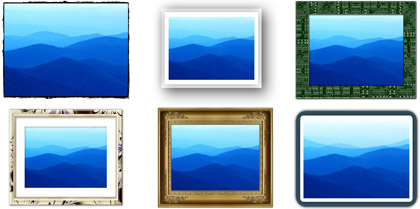
Then flaunt your better looking framed photo among friends. There are number of similar online tools to add stylish frames like photo film frame and much more.
