Do you want to quickly create a simple animated GIF image without installing any software? CreateAgif is an online tool that allows quick creation of GIF image from multiple photos. Being an online tool, it does not require any software download / install or any need to login / register.
Make animated GIF at CreateAgif
1. Open CreateAgif website in your web browser.
2. Click browse button to select multiple images for final GIF image.
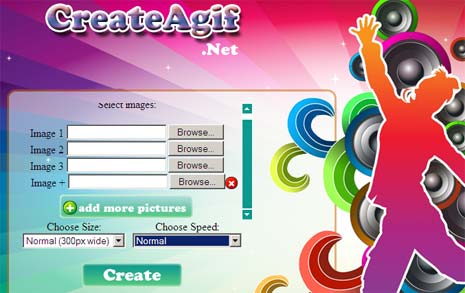
3. Then choose the GIF image output size.
4. Also select animation speed (slideshow option is cool).
5. Click Create button.
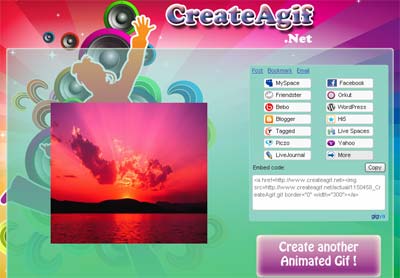
In few seconds you should see newly created final animated GIF image. You can right click on final GIF to save on the computer or grab quick embed code to display it online. CreateAgif is a simple and effective tool for making quick GIF images, checkout 5 more tools to make Animated Gif Online with Ease.
