Do you love daily wallpaper photo at Bing? We have already seen cool tool “Bing Paper” for downloading Bing images and setting them as desktop wallpaper. “Bing on Desktop” is another cool tool that allows automatic download and saving of Latest and Old Bing images in a specific folder on the computer.

Use this tool to download Bing photos
1. Download Bing On Desktop program.
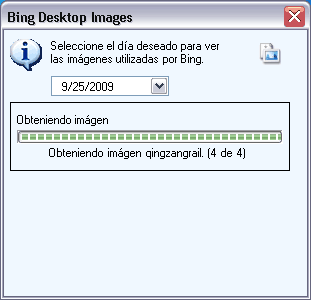
2. Unzip & double click to launch it (portable tool).
3. Select any date from drop down menu.
4. Bing photo of selected date will be automatically downloaded and saved in “Images” folder in the application folder.
Bing on Desktop for sure is handy tool for downloading Bing photos from any previous date. You can create own personal archive by downloading old Bing photos or browse already existing Bing photo archive.
