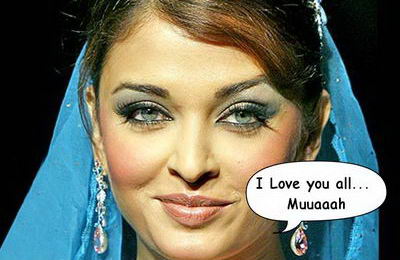
Kyolo is another cool online tool to play with your images. It allows you to add very neat speech bubbles on your images, just like BubblePly for videos.
To get started, upload an image and type the text. You can configure the bubble direction and size with the help of mouse. Few more clicks and you get final output ‘bubbled up image’.

Besides playing with your images, you can also check out gallery to relish creations of other users. So, have fun with Kyolo bubble tool and stress out by checking stuff in gallery section.
If Kyolo does not excite you, then check out Lynchr for lynchED up images with bubbled up comment box!
