Image searching using Google search is as easy as searching for web content. Say you want images of bird – just goto Google Image search, enter keyword bird and hit the enter key to see bird photos. How about searching for bird photos of specific color? Say, I want to search for blue bird images.
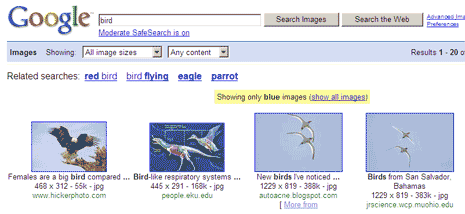
You can use special syntax to search for images of specific color. For example to search for blue bird images use this URL format:
http://images.google.com/images?q=bird&imgcolor=blue
Just replace the color name for any color image results you want. You can search and use color names like: green, teal, purple, yellow, orange, pink, white, gray, black and brown. [via]
