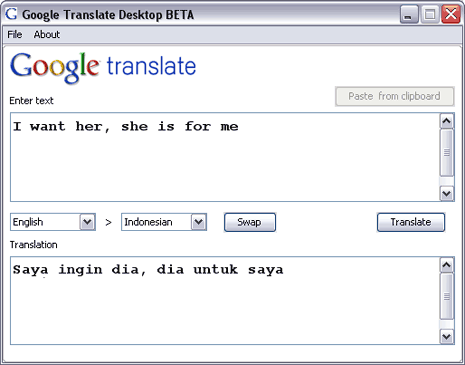
If you often translate text using online Google Translate web service, then here is little utility to make language translation super easy using Google Translate desktop client tool. It is a small tool powered by Google Translate which allows language translation on the desktop without having to open web browser window.
Related – Human edit to auto translation with Google Toolkit
It is a Java based desktop tool and hence requires JRE / JVM installed on your computer. Download and unzip the contents. On Windows, click run-windows.bat to run the application. Linux users can execute run-linux.bat file to get going. Application has simple interface: type the text in top window, select the to & from language and see the translated text in the lower window.
It support number of languages except Polish, download Google Translate Desktop client tool and perform languages translation on the fly powered by Google Translate. It is small, simple and very easy to use for quick translation. Thanks Tedi
